A memory layer for the real world.
Your glasses see what you see. DreamLayer remembers it, understands it, and hands it back the instant you need it — privately, on your own hardware.
No feeds, no pings, no screens to check. A card of light and glass surfaces on the rim of your sight the moment it's useful — then files itself away. Nothing pops; everything arrives.
You look at the snake plant. A soft card: water every two weeks, last done Tuesday. A wine label — its region, and what you paid last time. Look → know, no phone out.
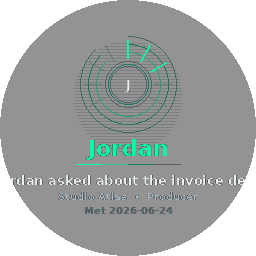
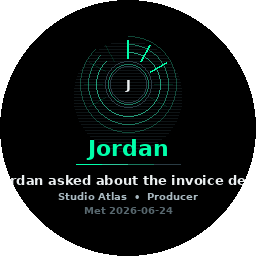
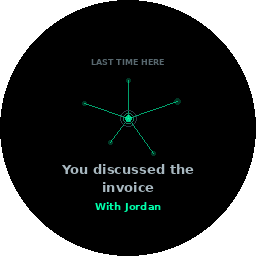
Someone says “Hi, I’m Maya.” DreamLayer keeps it automatically and starts a quiet dossier. Next time you meet, it greets you with her name, when you last spoke, and what about — you never blank again. A name is only ever kept from a real introduction. Faces are a separate, opt-in thing that is off until you install it — and if you also switch on auto-enrol, it keeps nameless faces nobody introduced. Nothing is ever looked up outside your own hardware.
Your ambient second memory has been quietly keeping what matters — objects, places, promises. Say “Hey Juno,” or just ask out loud. The answer often lands before you finish the question.
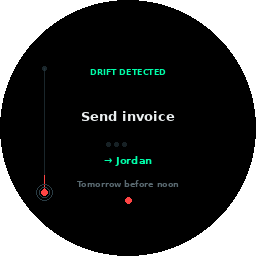
You promised Marcus the lease by Friday. As Friday nears, the promise drifts toward the edge of sight and starts to glow. You don’t forget. You never even had to write it down.
A menu you can’t read reads back in your own words, live, on your own hardware. Rosetta is the eye and the ear both.
A live re-creation of how the display moves — drawn in your browser with the same palette and the same signature motion the glasses run: closed-form springs, flowing rim light, an answer that condenses in and files itself away.
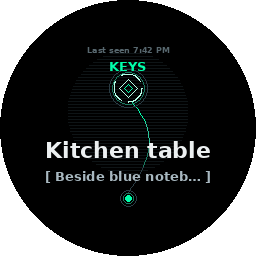
every card above is real — the Meridian Solid pass, drawn by the shipping renderer, 256 px, one eye
The everyday loop — a glance, a nod, and it’s kept. Ask when you need it back, or just return: it resurfaces on its own the moment you’re near.
Watch a full loop →
Every one of these runs in the shipping codebase today — nothing on this list is a mock-up.
Everything DreamLayer does groups into six lenses. Underneath them all: the Privacy Veil, and Atmosphere — the ambient light and feel.
a WindowShade for each — click a title bar to unroll it
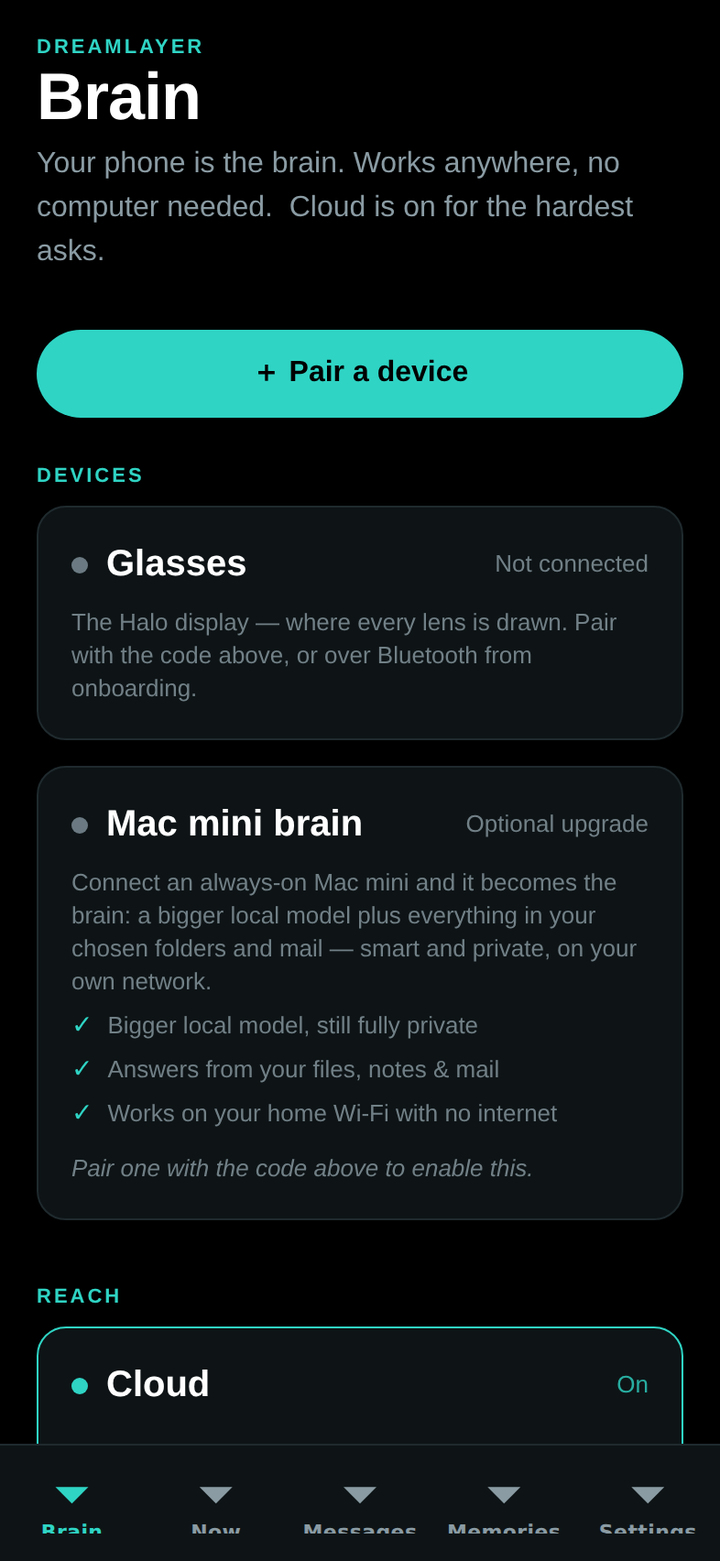
The phone names an object instantly and offline; a Mac mini on your LAN explains it richly from your knowledge; the cloud is only ever reached for the rare, hard, non-personal question — and only if you turned it on.
The display & sensors. A round HUD on the rim of your sight — the eyes of the layer.
Orchestrator, memory, and the privacy gate. The brain by default — instant, offline, yours.
A bigger local model plus your indexed files and mail. Never leaves the house.
Frontier reach for the hardest, non-personal asks. A switch you own — not a default you accept.
Phone + Brain + glasses, scanned or pasted once. Nothing marked private ever leaves, in any configuration. Three ways in — unroll the shade.
dreamlayer: code — the trio is paired before
the coffee cools.Both testable now, before the glasses ship. The phone app — built for iOS and Android — pairs your devices and puts your brain in your pocket; the Brain app turns a spare Mac or Windows PC into a private knowledge node on your own network.
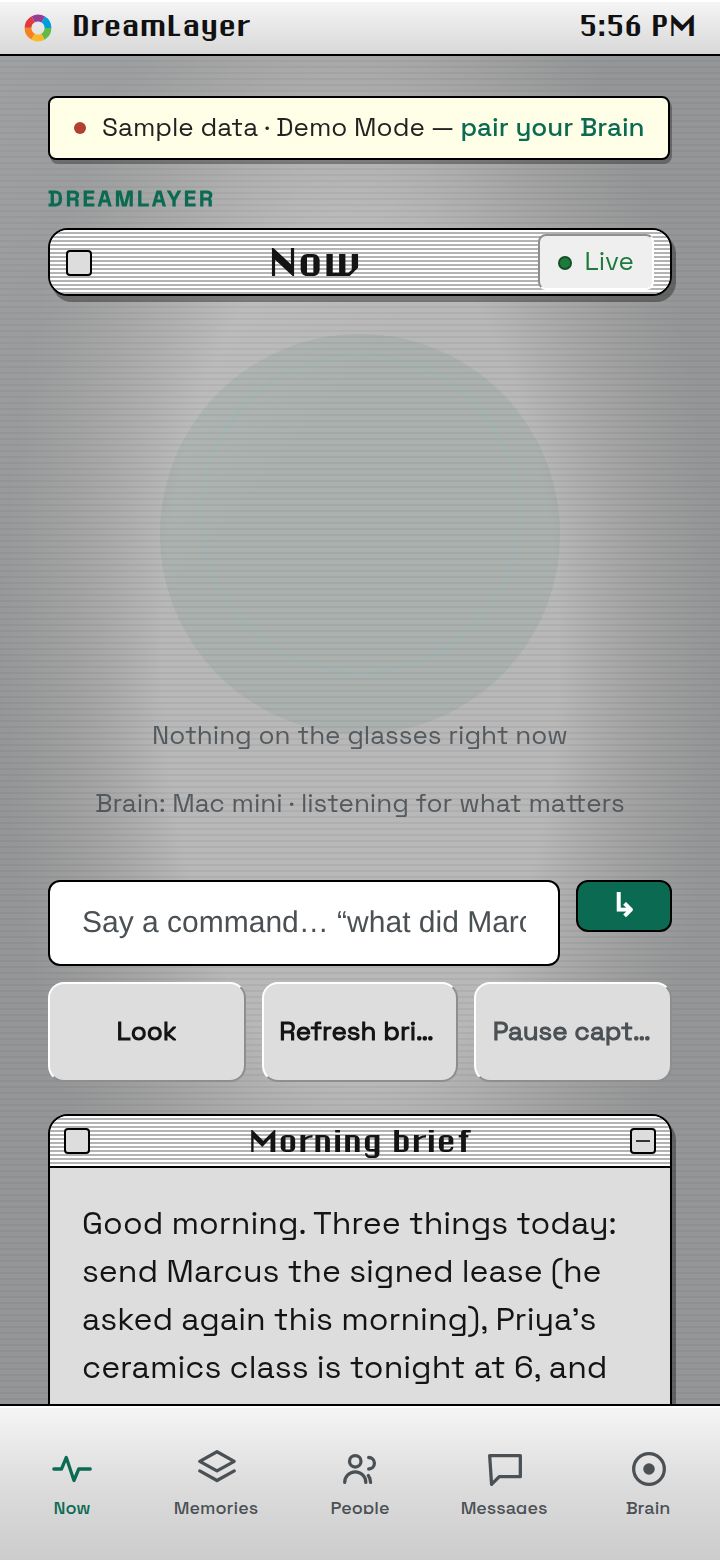
Pair the trio with one code and own your privacy from a single screen — phone-first, cloud a switch you hold. One codebase, both platforms; not on the App Store or Play yet — early access gets it first.
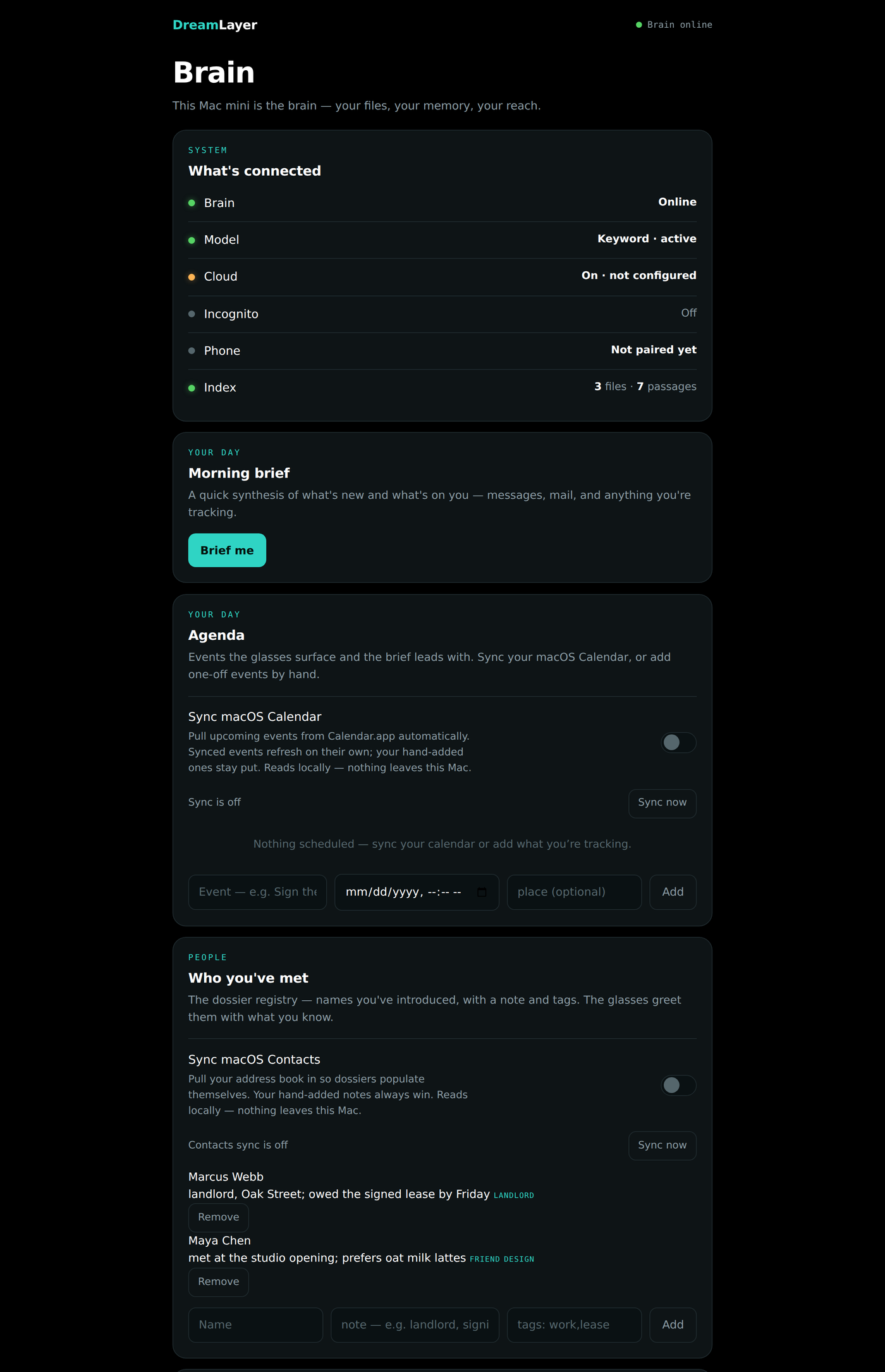
Point it at a spare Mac or Windows PC and it becomes the smart, private half of your brain — indexing your world and serving it back, all on your own network.
Not a mute icon — an architecture. Nothing seen, heard, or kept until you lift it. And underneath: no face lookup outside your own hardware, no voice cloning, no covert recording. Deliberately not built. Face recall itself is built — opt-in, off by default, behind a biometric consent, and with auto-enrol on it stores faces nobody introduced. We say so on the privacy page rather than here.
DreamLayer is open source — Apache-2.0, the whole stack — and every lens is a plug-in underneath. Write a new one — a lens, a controller, a connector — and it drops into the same machinery the built-ins use. There’s a store for what the community makes.
The Halo Simulator is DreamLayer with the hardware drawn in software — the real stack, ported to run right here. No terminal, no install. Talk to Juno, set a timer that actually counts down on the glass, introduce someone and have them recognised, drop the Privacy Veil. Only the glasses are simulated.
This glass is the in-browser simulator, playing itself. Every pixel is drawn by a faithful port of the device renderer — the same voice grammar, Social Lens recall, and Figment timer stage the real stack runs.
The same Orchestrator + Figment stage, packaged for both desks: a signed, notarized menu-bar appliance on the Mac, and a system-tray appliance with a per-user installer on Windows. Same panel, same privacy.
# the real Orchestrator + Figment stage, served to your browser
pip install -e "host-python[dev]"
python -m dreamlayer.simulator
Because the whole thing is open, you can talk to the glasses straight from a web page — no build, no install. The playground connects to your Halo over Bluetooth and speaks Lua to it: push a card, run a gesture, read the IMU, live.
The display is only 256 px, and that throws people. So here is the short version: the display is not the computer. It is just the window one glanceable answer comes out of.
DreamLayer ships first on the Brilliant Labs Halo — currently the only glasses capable of running it. More devices as they catch up. Be there when the layer wakes.